MSI Wrapper
MSI Wrapper can package an executable or script as a Windows Installer (.msi) file. Download and start the free edition, then select the executable to package.[3] To run a sequence of commands, select a .bat file as the input rather than packaging cmd.exe.[1]
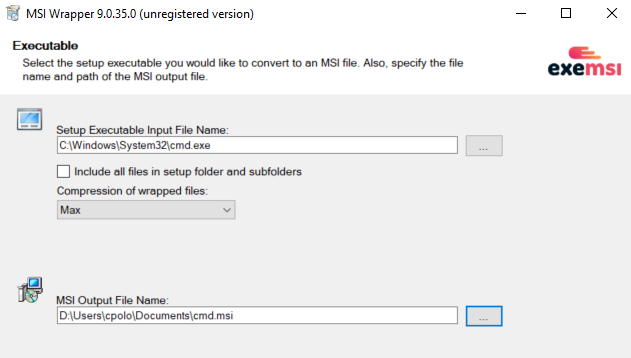
Configure the execution context and other installer properties carefully:
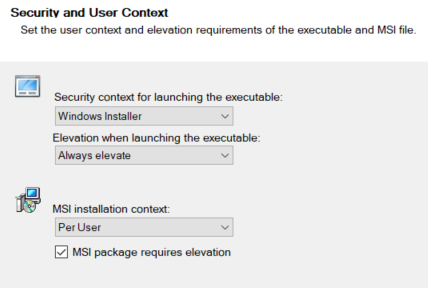
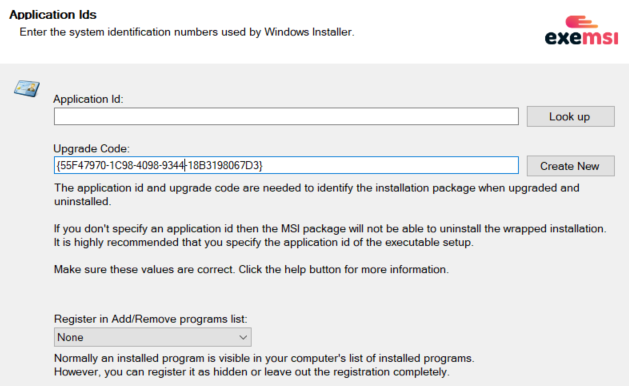
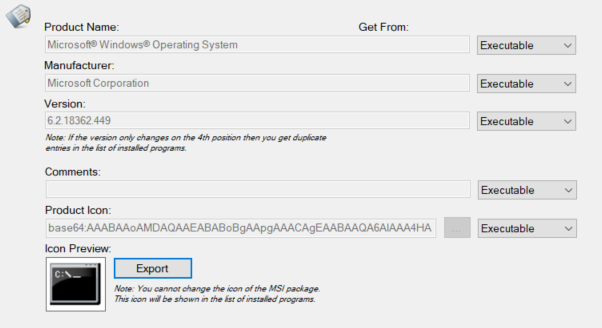
These values can be changed when packaging a custom binary.
Continue through the remaining wizard pages and select Build to generate the installer.[1]
[!WARNING] Creating an MSI does not by itself grant elevated privileges. Whether installation is elevated depends on Windows Installer policy, package context, and user authorization. Microsoft warns that enabling
AlwaysInstallElevatedfor both the user and computer lets non-administrators install packages with system privileges.[2]